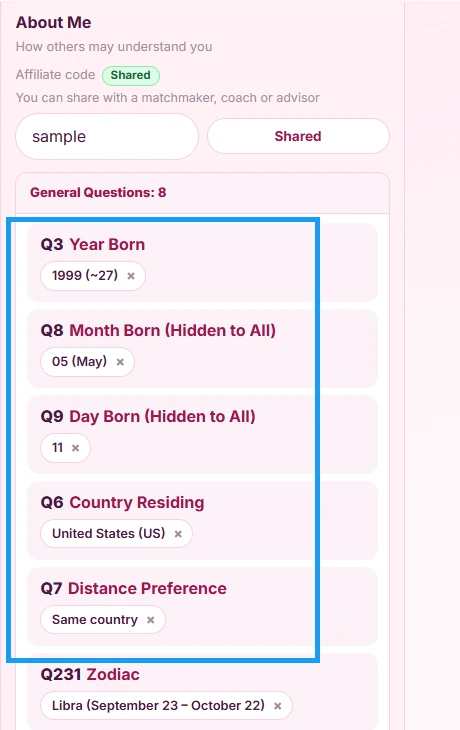
About you
1Step 1
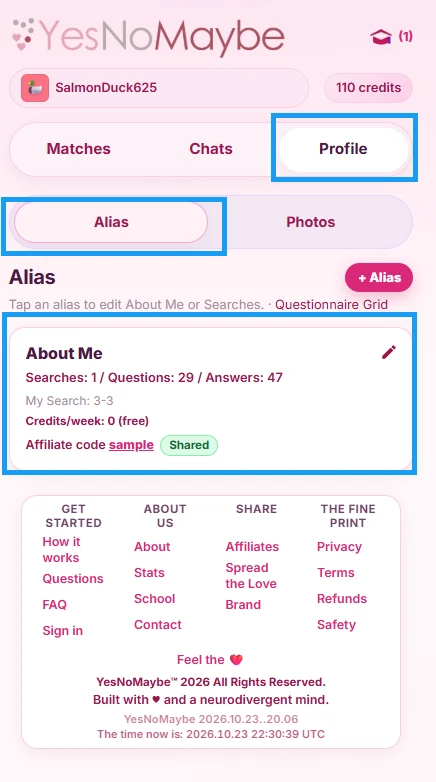
Let’s start with the Alias tab. On the Profile tab, open “Alias” and click the edit icon on your About Me card to answer questions about yourself, so we can match you with others.
2Step 2
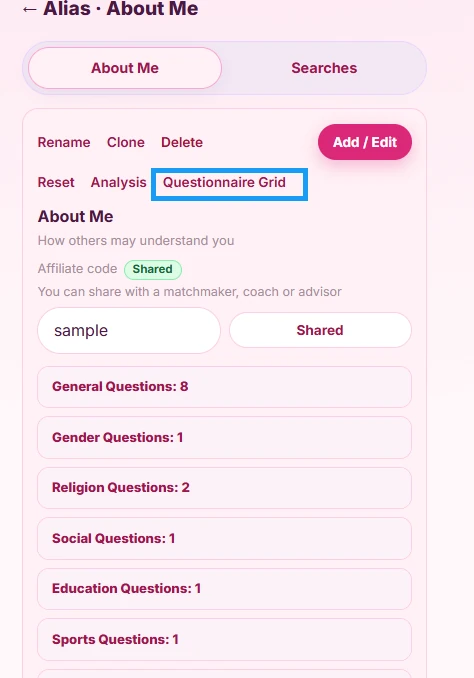
You can choose questions one at a time, or answer them in bulk using the “Questionnaire Grid”.
3Step 3
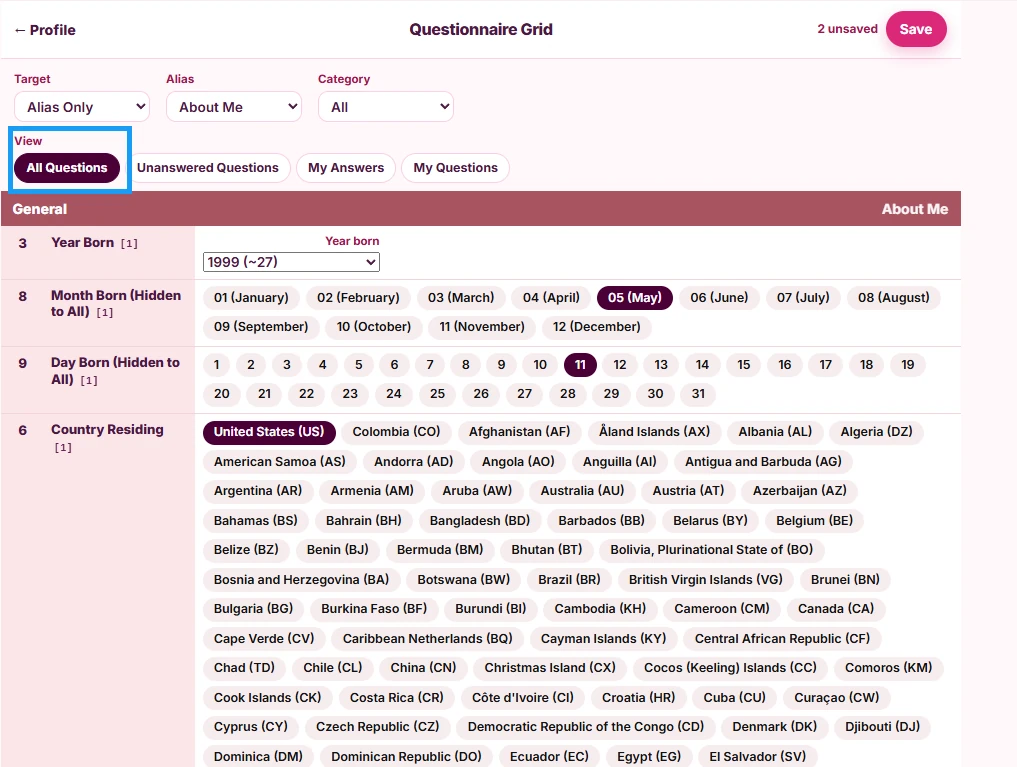
Click the “All Questions” button, then go through and answer only the questions you want to share about yourself. At YesNoMaybe.Love you are always anonymous, and matches never know your name or see your photos without your agreement, so feel free to answer as many questions as you can to improve your match results.
4Step 4
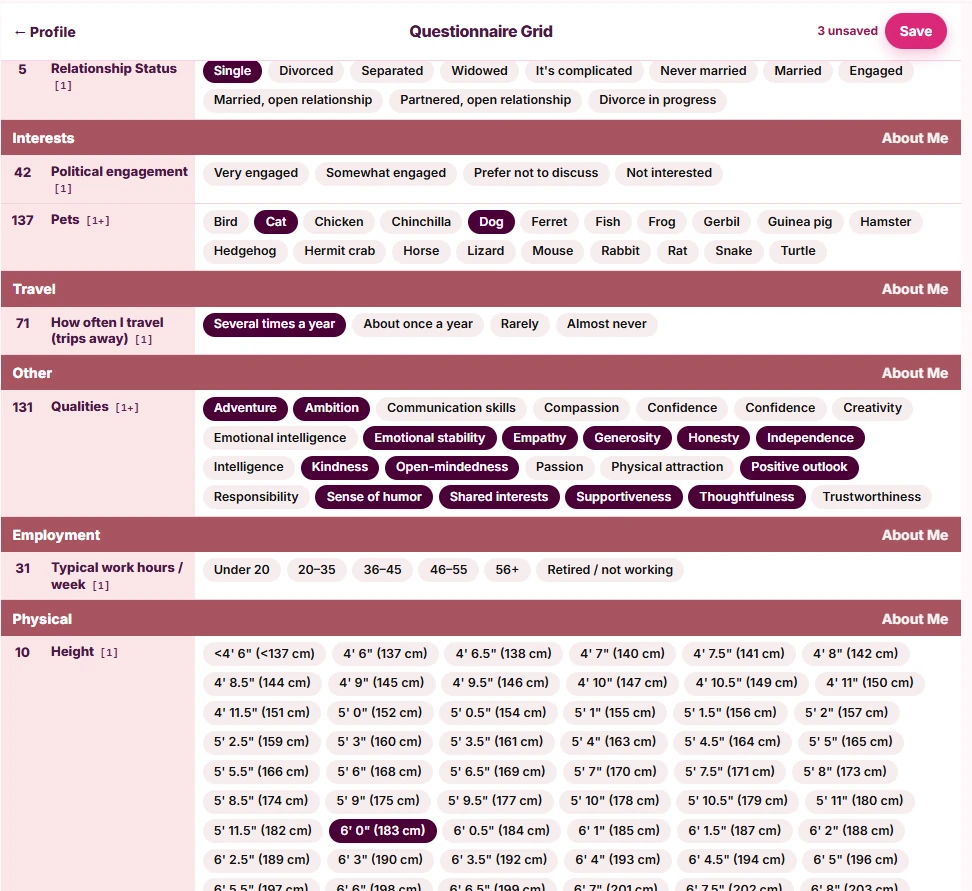
As you go through each question, some are single select and others are multiple select. Choose as many answers as feel right. You can change your questions and answers at any time, and your matches will adjust on your next Batch Day.
5Step 5
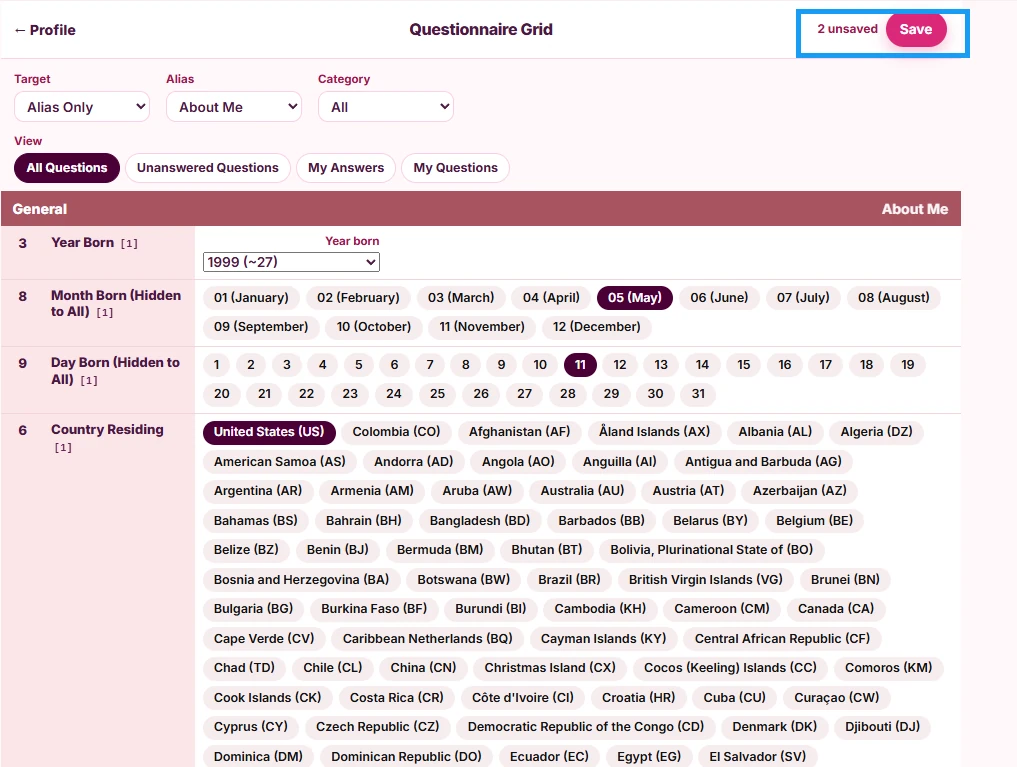
When you are done, make sure to click the “Save” button.
6Step 6
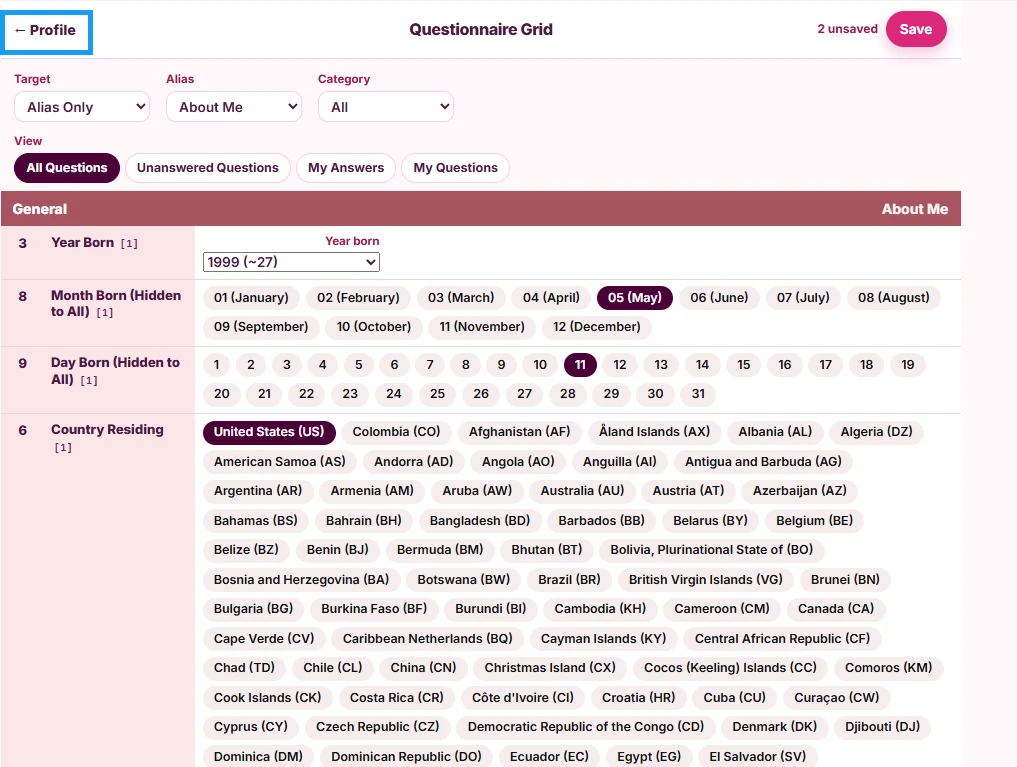
Then return to your profile using the arrow in the upper left corner.
7Step 7
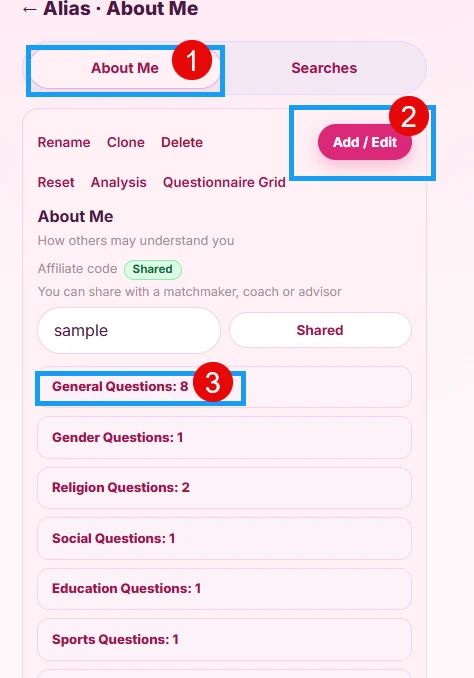
Your Alias card shows the count of questions and the count of answers. Clicking the edit icon lets you see your categories (1). You can also add or edit questions one at a time (2). Click a category (3) to open it.
8Step 8
An open category shows your answer for each question, where you can edit it or delete it. When you are done with your Alias questions, edit your Search questions next.