Account overview
1Step 1
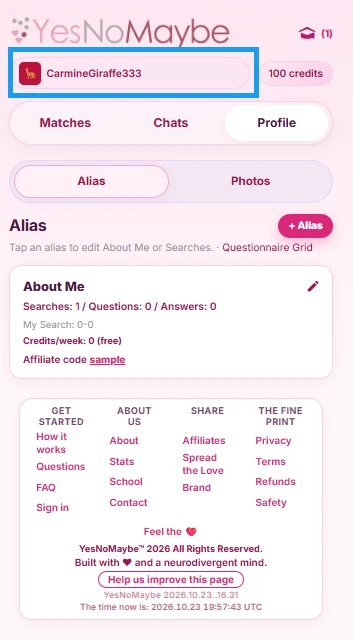
Tap your username at the top of the page to open your account section.
2Step 2
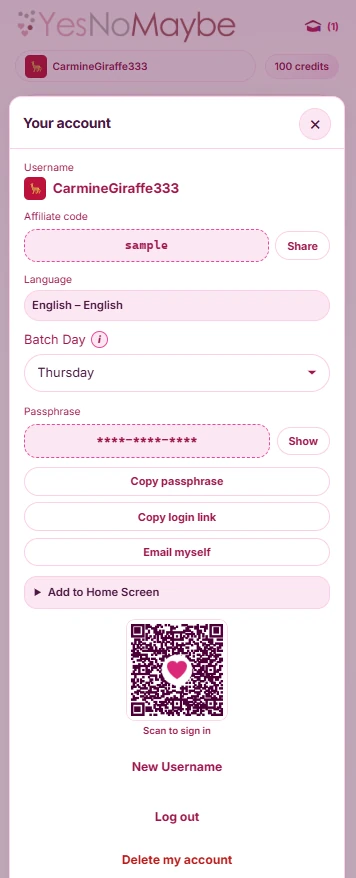
Your account section shows your username, the affiliate code you signed up under, your language, your “Batch Day” and your passphrase details. At the bottom are links to log out and to delete your account entirely. If you are inviting friends to sign up, tap “Share” next to your affiliate code to copy your invite link, then paste it to them.
3Step 3
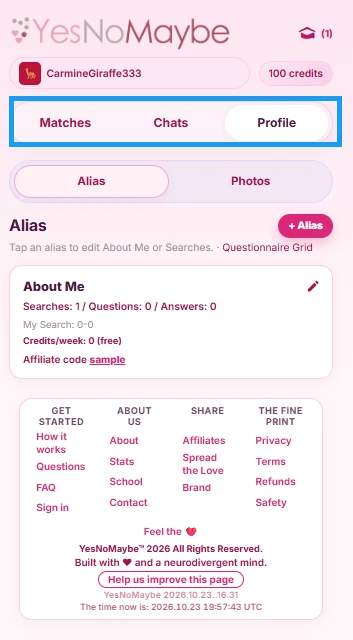
Your account has 3 main areas: Profile, Matches and Chats.
4Step 4
On the Profile tab, tap “Alias” to update your “About Me” and “Searches”. Your Alias is the description about you. Its card shows how many searches you have set up, how many questions you have answered, and the credit cost if you go above the free limit.
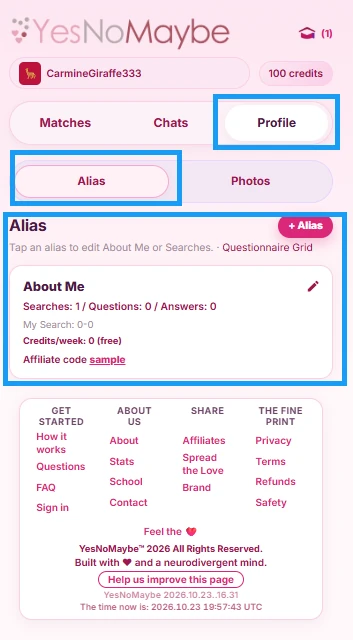
5Step 5
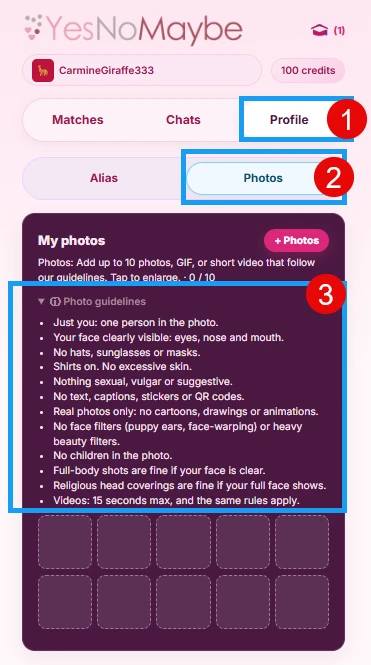
The “Photos” tab lets you upload photos. Your photos are not shown to anyone until you decide to share them. Please read the photo guidelines so your photo is not rejected or deleted.