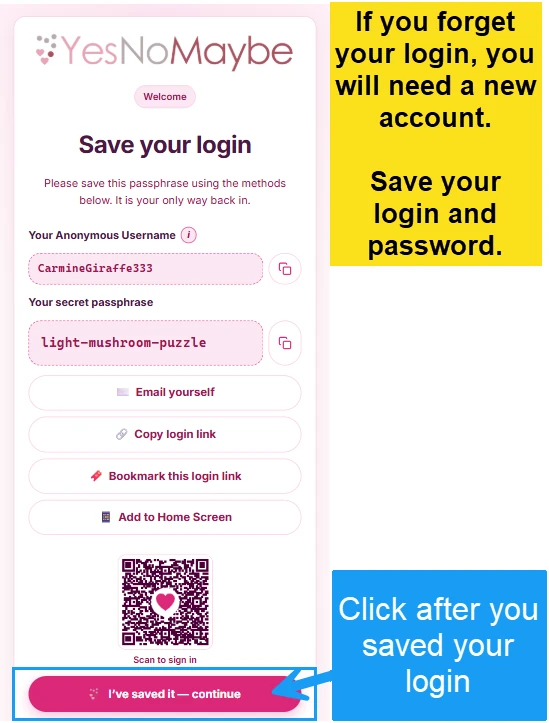
Save your login
After your account login and password are generated, you will need to save them for future login. It is important to note that your password cannot be reset. If you forget your username or password, you will need to sign up again. We don’t collect emails or phone numbers, and our team can’t reset your account. Please do one or more of the following steps to save your login.
1Step 1
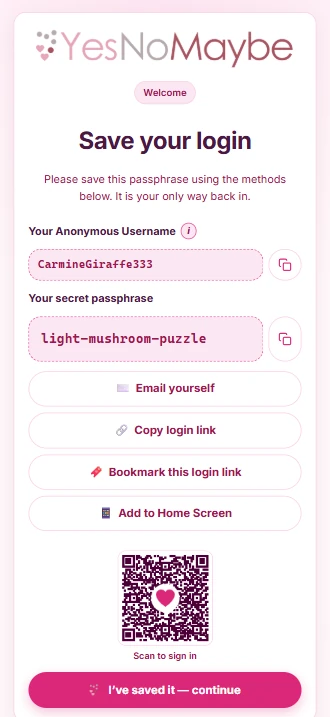
Copy and paste your login using the copy icon and save it somewhere safe.
2Step 2
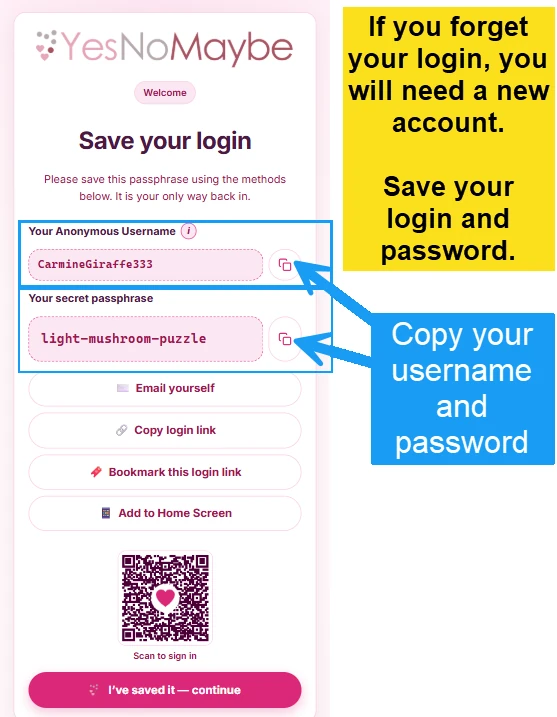
Click “Email yourself”. It will open a draft email on your phone or computer. Send the email to yourself.
3Step 3
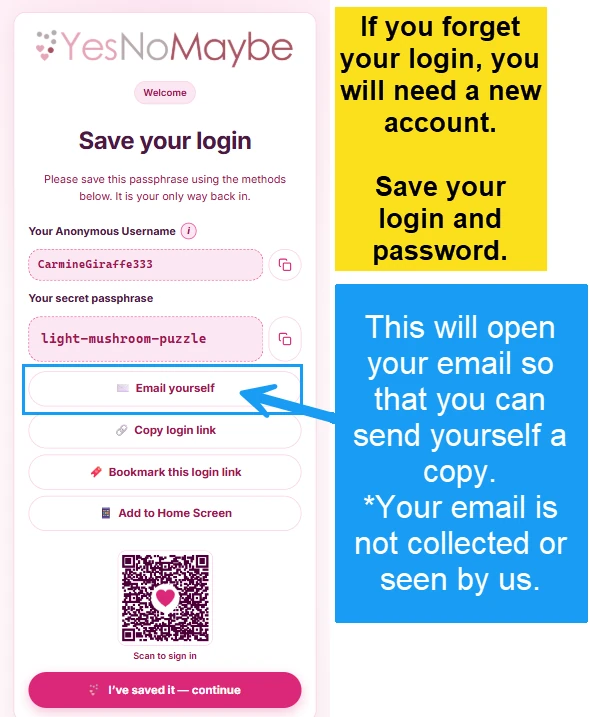
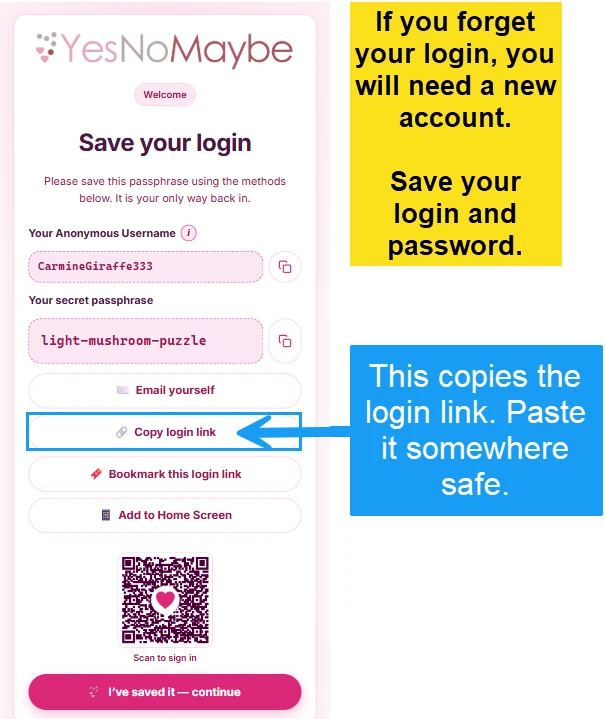
Click “Copy login link” and save it in a note, an email or on your desktop.
4Step 4
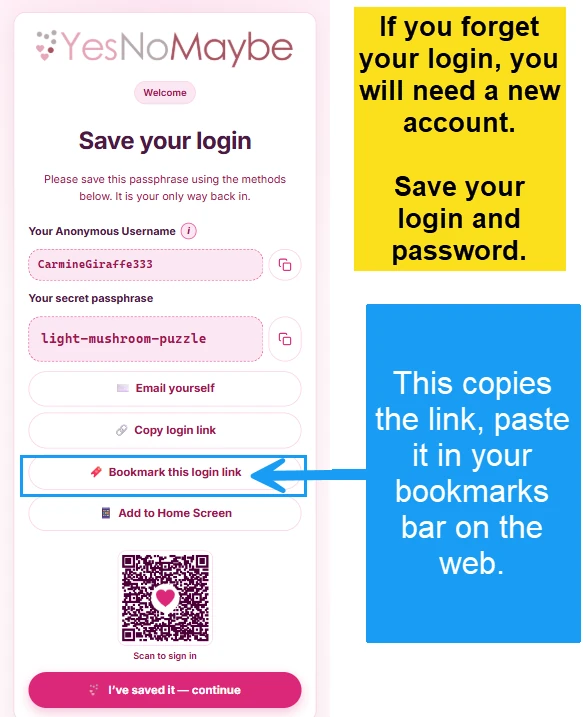
Click “Bookmark this login link” and paste it into your bookmarks bar on a computer.
5Step 5
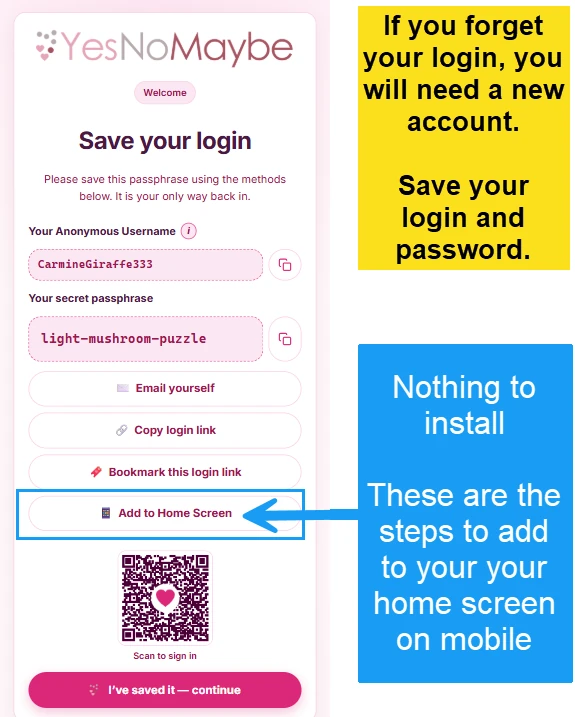
Click “Add to Home Screen” and follow the instructions to save a shortcut on your phone’s home screen (it is only a shortcut, nothing installs).
6Step 6
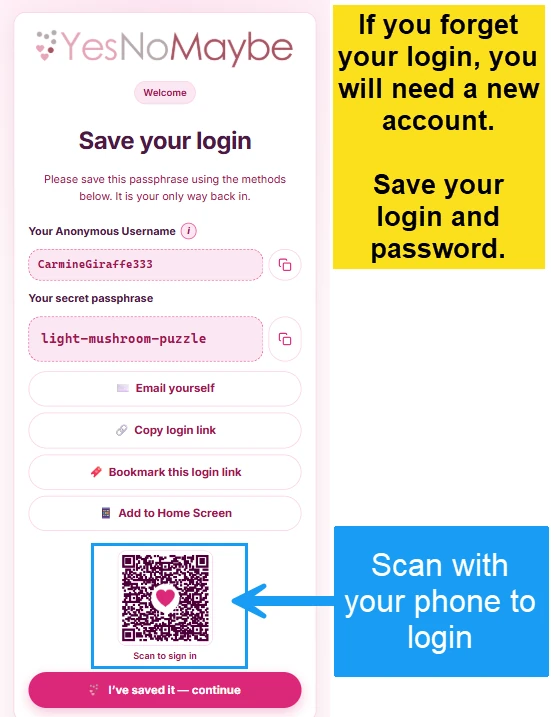
Scan the QR code with your phone’s camera to log in on your phone. (Tip: you can save the QR code to your phone or computer.)
✓Continue
After you have saved your login using one of the methods, click “I’ve saved it, continue” to log in.