Claim your username
1Step 1
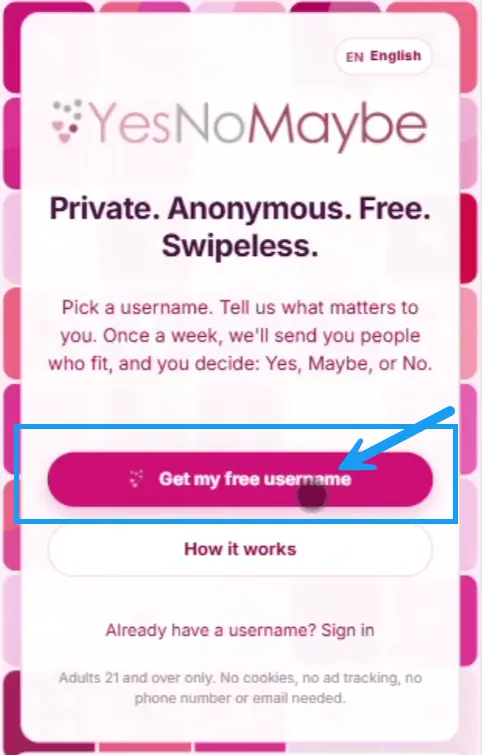
Start by clicking "Get my free username" button.
2Step 2
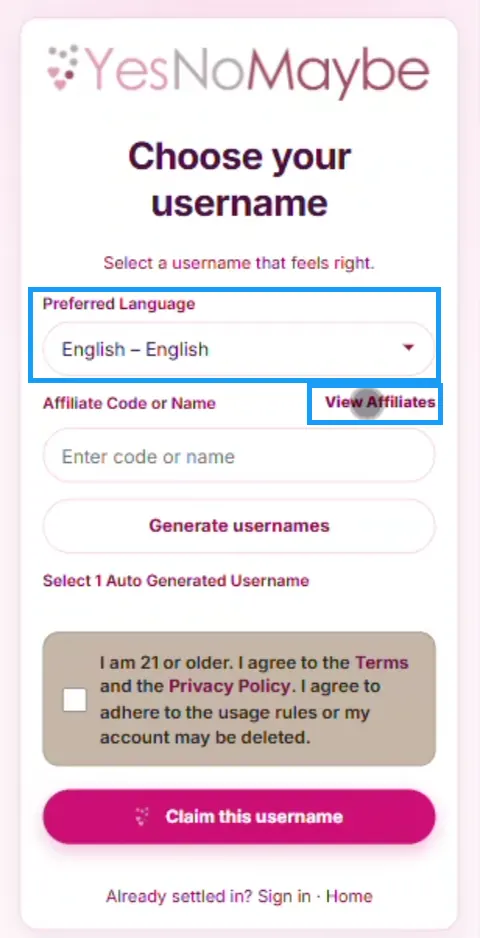
Choose your language.
3Step 3
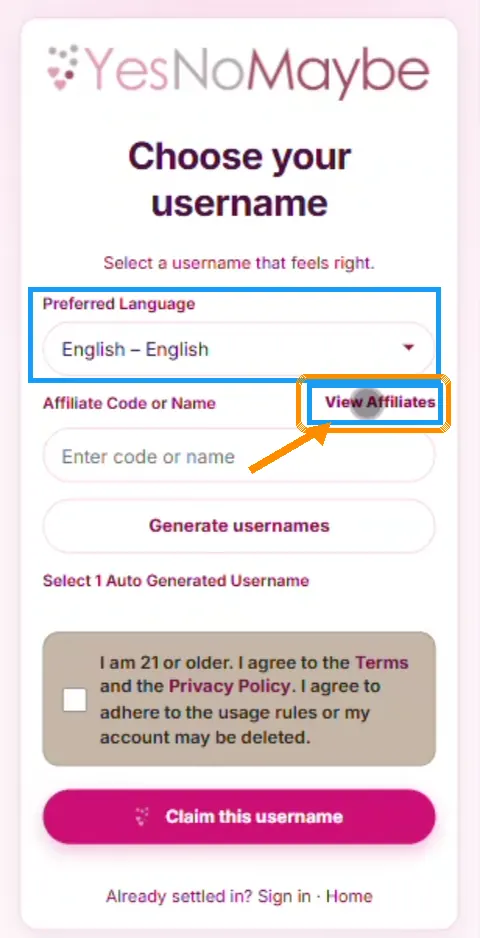
Enter an affiliate code, or find an affiliate by clicking the "View Affiliates" link.
4Step 4
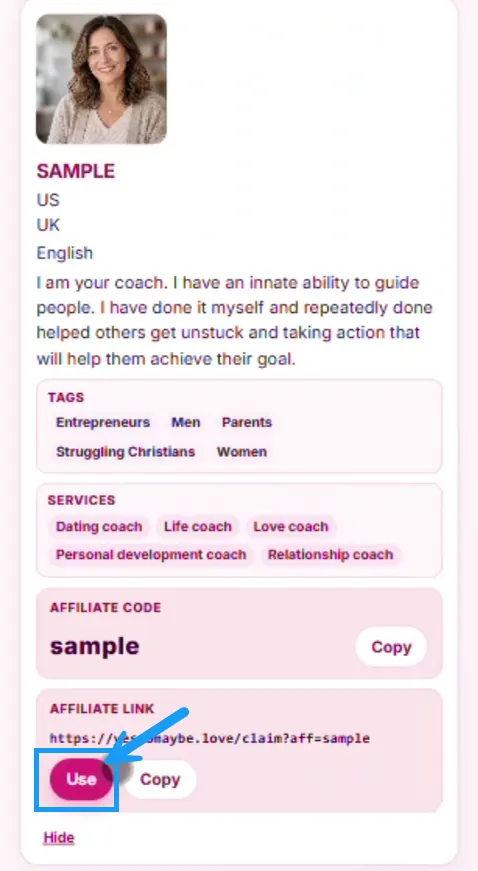
Filter or scroll to find an affiliate, then click the "Use" button.
5Step 5
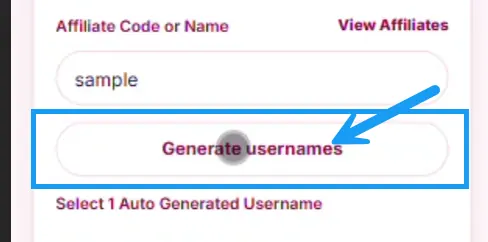
Click Generate usernames. 5 usernames should appear shortly.
6Step 6
Select one of the 5 usernames.
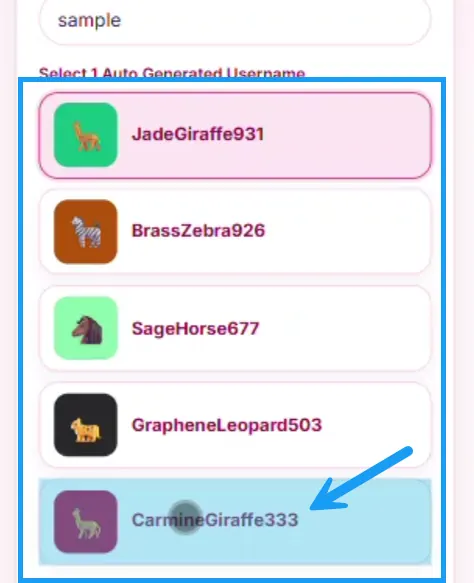
7Step 7
Scroll down and confirm you are an adult.
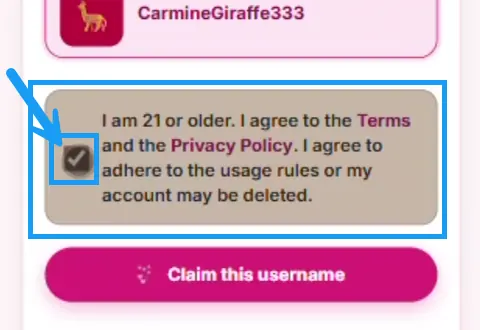
8Step 8
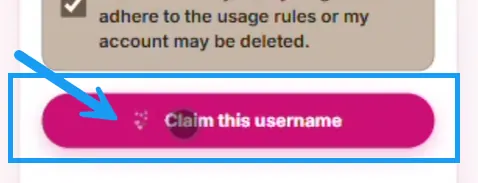
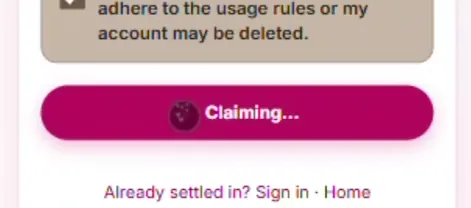
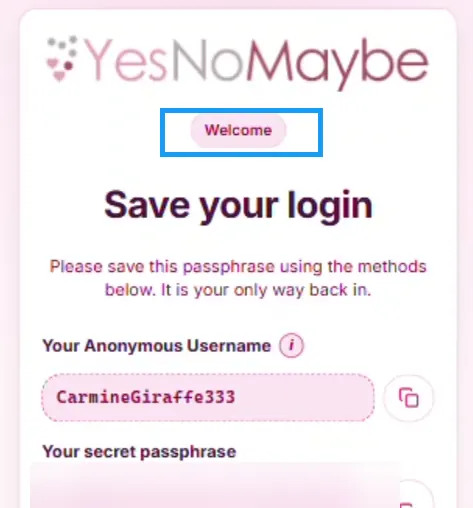
Click "Claim this username" button and wait until the success screen appears.